Showing posts with label Drawings. Show all posts

Sunday, May 6, 2012

New camera and other things

Recently, we got a new camera since the old family camera was failing after taking thousands of pictures. The new one has 20X zoom, which is really nice because I like to take pictures of wildlife.
A blossom on one of our berry bushes.


A curlew who was being photogenic, even if it was rather hard to spot.


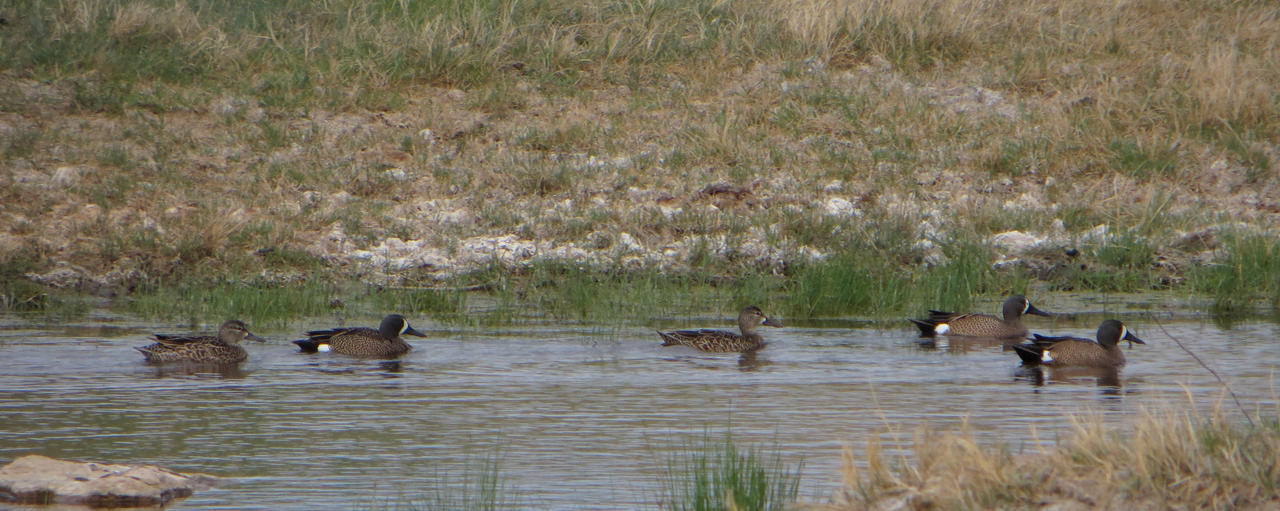
Blue wing teals. For some reason, the bird book says they're shy but they're not as wild as some other duck species in the area. (Perhaps less people hunt them?)

It works well for taking pictures of the moon too. I got this one when I went to let the chickens out a little before dawn.


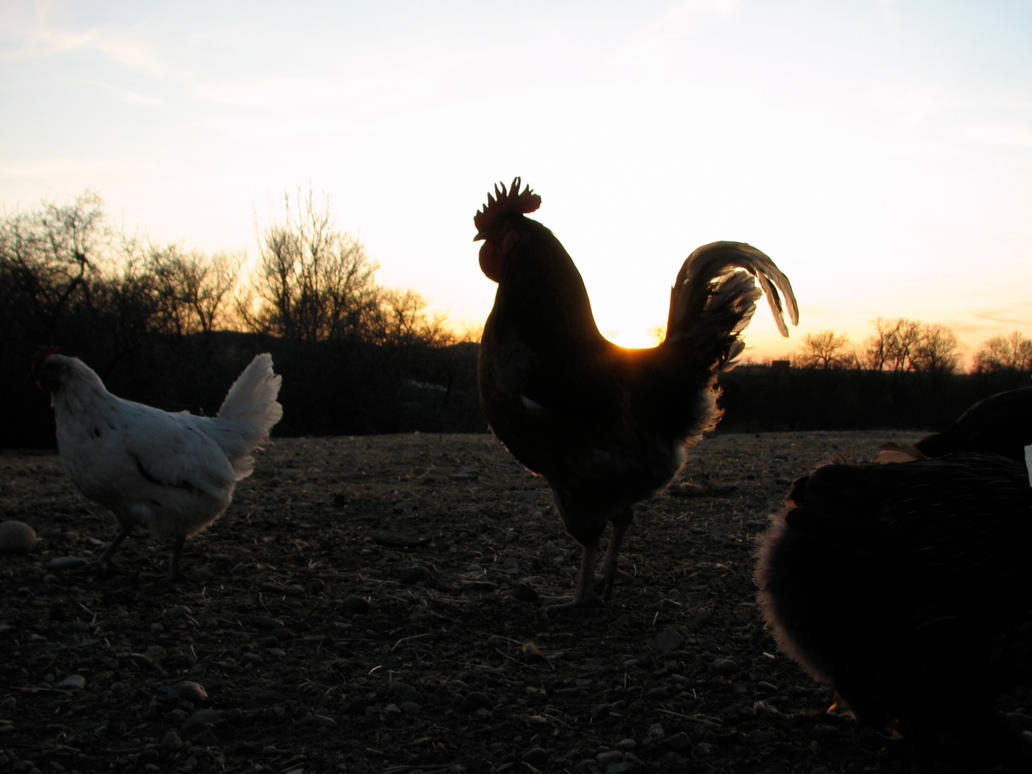
On another note, I've been letting my chickens out at dawn, which seems to have helped increase egg production. I've read some things that say not to let hens out until they're done laying since they could lay outside, but from what I've seen, chickens seem to eat less feed and lay better if they're allowed out early. I think the benefits are greater than the risks, even if I got some surprise chicks last year for the first time. Here's some pictures of the hen and her chicks that I never got around to posting.


Since I hatched some chicks late last year, I haven't hatched any this year.


Here's another picture taken shortly before we got the new camera.

And now for a little cartoon I drew.
The real reason aliens abduct cattle.


Jessi

Wednesday, March 9, 2011

Wolf

For practice, I decided to draw one of my wolf characters howling. I thought some of you might want to see how I did it. Since I only saved the final product, all but the first image are layers of the final result. This is why you can't see what I changed part way through the drawing.
Night scenes are much easier than normal drawings since they're dark enough very little shading is needed.
I started with a basic sketch done on paper. I only used a little reference for the wolf's head.

Next, I made a basic sky for the back ground. It was pretty easy to do since I used the gradient tool on Photoshop.

I used my lineart to do a silhouette of a wolf with a slightly darker color than the sky. (You can't see it since this is only some layers of the final result and I deleted the lineart layer.) When I first did it, it was more like the drawing but I used copy and paste to turn the head so it had a shorter neck. I also changed the mouth a little so it looked better.

Here, I added the light from the moon. It's a lot easier than it looks. For the highlights, I chose a color that was lighter than the sky. I also added some stars.

I decided the rock's highlights made things too bright so I put a darker color over the rock to darken it. I also added the darker spots on the moon. I flipped the picture around because I realized my wolf had the wrong ear torn. That might have messed up my moon a little and it's now backwards. (I had to look at a few real moon pictures to do the moon.)

I used Photoshop CS4 and a Wacom Bamboo fun drawing tablet. If you want to experiment with digital art, you can download a free program called GIMP, which I used before I got Photoshop.

Jessi

Saturday, July 10, 2010

Drawing Sam

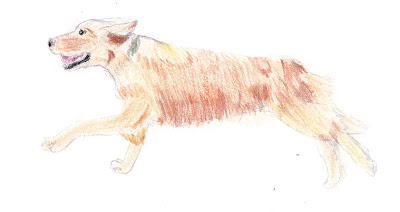
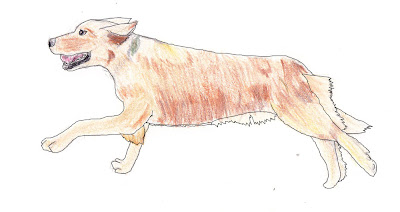
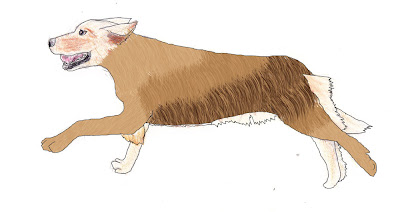
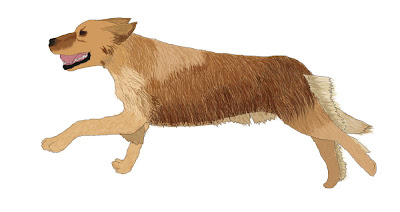
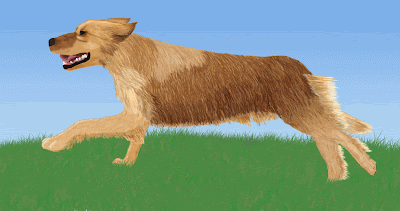
Since I like to draw, I decided to post how I digitally drew a picture of Sam.
First, I drew and colored a picture of him and scanned it onto the computer.
When I got it on the computer, I drew lines on it so I knew how to color it. (The lines are on a separate layer.)
After I did that, I used a grass brush to draw the base coat of fur. (This was done on a layer just under the lines.)
I then used the mouse to draw the main fur that you can see on a layer above the one in the above picture. Unlike the base coat, I had to make sure it went the right way.
To finish off, I blurred the fur so it looked more fuzzy, put shadows and highlights on the head, and I added smaller furs and stuff around his head. After that, I added grass with the grass brush and made the sky.
I used a picture as a reference. The program I use is Photoshop CS4. For someone who doesn't want to buy Photoshop, my advice is to download a free program called GIMP. Though not nearly as good as Photoshop, GIMP is a good program to experiment with.

Jessi